Bambu Lab AMS vs AMS Lite: Which Multi-Color System to Choose
Choosing between the Bambu Lab AMS and AMS Lite can be tough for multi-color 3D printing. This guide dives deep into their differences, helping you make an informed decision for your setup.

Bambu Lab AMS vs AMS Lite: Which Multi-Color System Should YOU Choose for Your 3D Printing Dreams?
Man, I remember the days when doing multi-color prints felt like performing open-heart surgery on a tiny robot. You know the drill: pause the print, carefully pull out the filament, snip it just right, load the new color, pray it loads perfectly, resume, and repeat for every single color change. It was a nightmare, honestly, especially if you had more than two colors going. I've had more failed multi-color prints than successful ones in my early days, and don't even get me started on the stress of leaving a print unattended during a manual filament swap. But then, Bambu Lab – those absolute legends – came along and basically turned the entire multi-color printing world on its head. And they didn't just give us one amazing system; they gave us two: the original AMS and the newer AMS Lite. Now, if you're like me, constantly trying to figure out how to squeeze more creativity and efficiency out of your print farm (or even just your single printer setup), you're probably wondering, "Which one's for me?" Let's dive deep into both, shall we? Because, trust me, this isn't just about printing in different colors; it's about unlocking a whole new level of awesome.The OG King: Bambu Lab AMS (Automatic Material System)
Alright, let's kick things off with the big daddy, the one that started it all: the original Bambu Lab AMS. This thing, my friends, is a marvel of engineering. When it first hit the market with the X1 series, I was absolutely blown away. It felt like science fiction finally landing on my workbench in Chennai.What is it? Basically, it's a closed, intelligent material station that sits atop or next to your Bambu Lab X1 or P1 series printer. Each unit holds four spools of filament, and you can daisy-chain up to four of these bad boys together, giving you a mind-boggling 16 different colors or materials in one print! Imagine that flexibility for your designs! It's wild.
The Guts & Glory: The AMS isn't just a fancy box; it's packed with tech.
- Closed System: This is a HUGE deal, especially here in India with our fluctuating humidity. The AMS has built-in humidity sensors and airtight seals to keep your filaments dry. If you've ever battled with brittle PETG or bubbling Nylon because of moisture, you'll know how invaluable this is. It even has desiccant compartments to keep everything nice and dry.
- Filament Buffers: Inside, there are these clever little buffers that manage the filament feeding and retraction, ensuring smooth transitions and minimal tangles. It's incredibly reliable.
- RFID Recognition: Another cool feature is the RFID reader. When you load Bambu Lab's own filaments, the AMS automatically detects the material type and color, and even applies the correct printing profile. That's pure convenience, my friends. No more guessing or manually setting parameters.
- Spool Compatibility: It's designed for Bambu Lab's own spools, but most standard 1kg spools (around 65-68mm width, 200mm diameter) will fit, though sometimes you need to print a small adapter for narrower spools.
- Speed and Reliability: The filament changes are lightning-fast and incredibly consistent. It rarely misses a beat. For someone running a small business like mine, where consistency and uptime are everything, this reliability is priceless. I’ve done prints that took days with dozens of color changes, and the AMS just kept chugging along.
Who is it for? My Opinion: If you're a professional, a small business owner like me, or someone who simply demands the absolute best in multi-color printing, the original AMS is your go-to. It's built for demanding workflows, intricate designs, and projects where material integrity (like keeping hygroscopic filaments dry) is paramount. The ability to do 4, 8, or even 16 colors seamlessly is just...chef's kiss. Think about those detailed lithophanes with multiple colors, multi-material functional prints, or even just intricate art pieces that need that extra pop. It shines there. You'll find these bundled with the X1C or P1S, or sold separately for around ₹35,000-₹40,000 for a single 4-slot unit if you can snag one standalone. Yeah, it's an investment, but it's an investment in quality and efficiency.
A Small Catch (or two): The thing is, while it's amazing, it does have a few quirks. It's a bit picky with filament spools; cardboard spools sometimes cause issues (though you can print rings to fix this). And certain flexible filaments like TPU aren't officially supported because they can get jammed in the system's delicate path. Oh, and the footprint... it's not tiny. If you daisy-chain four, you need a fair bit of space!
The Agile Contender: Bambu Lab AMS Lite
Alright, so the original AMS is a powerhouse, no doubt. But what if you're just getting into the multi-color game, or you have a smaller setup, or maybe your wallet isn't quite ready for a ₹40,000 accessory? Enter the AMS Lite, the younger, leaner, and incredibly clever sibling that came out with the Bambu Lab A1 series.What is it? The AMS Lite is a more open and simplified 4-color automatic material system. Unlike the enclosed box of its big brother, the Lite has an open design with four external spool holders. It's designed specifically for the A1 Mini and the A1 printers. It's all about making multi-color accessible, you know?
The Lean & Mean: Don't let the "Lite" in its name fool you; this system is incredibly capable.
- Open System: The spools sit openly on a rack. This means better compatibility with a wider range of spool sizes and types, including cardboard spools, which is a big plus for many of us who use various local filament brands like Ebox or Global 3D.
- Direct Drive Mechanism: The filament is pulled directly from the spool into the print head. This simpler path is actually great for some trickier filaments, though it lacks the sophisticated buffers of the original AMS.
- Affordability: This is where the AMS Lite truly shines. It comes bundled with the A1 Mini and A1 printers at a fantastic price point, making multi-color printing more affordable than ever. If you can find it standalone (which isn't common here in India yet), it's probably around ₹10,000-₹12,000, maybe even less, a fraction of the cost of the original.
- Ease of Use: Setting it up is a breeze. It's basically plug-and-play with the A1 series. The filament loading is intuitive, and it's less intimidating for newcomers.
- Smaller Footprint (of sorts): While the original AMS is a compact box, the Lite's spools sit on a rack, which can be configured differently. It might take up more linear space but perhaps less vertical space, depending on your setup.
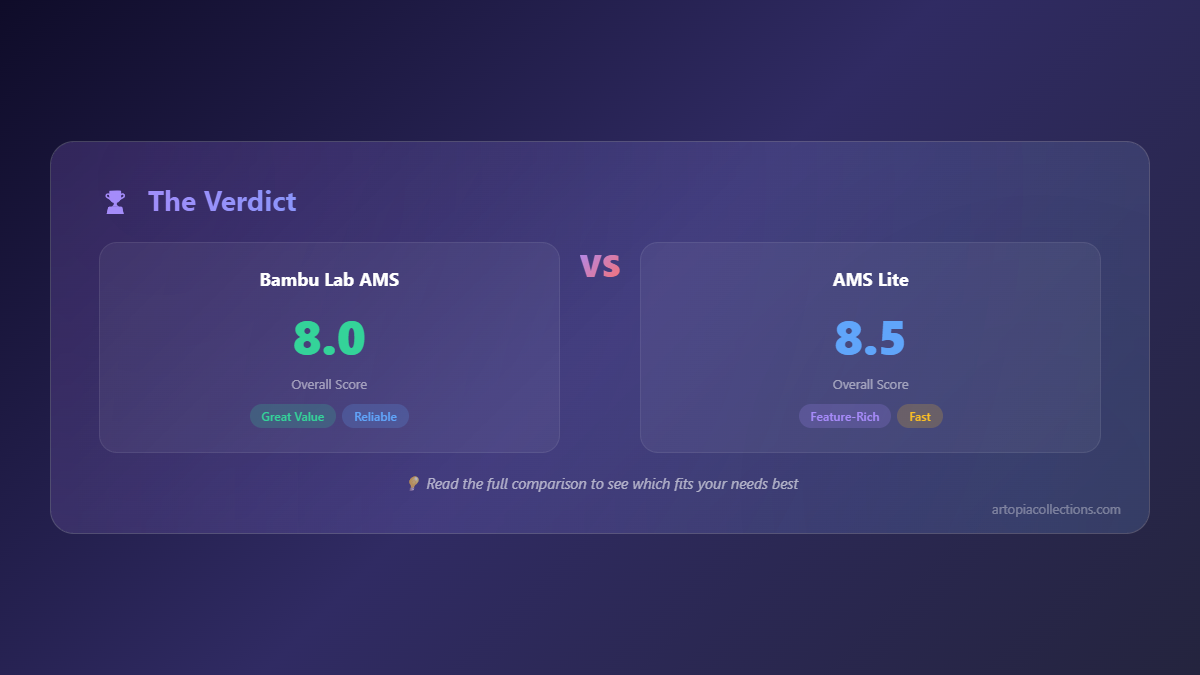
Who is it for? My Opinion: The AMS Lite is perfect for hobbyists, educational users, or anyone with an A1 series printer who wants to dip their toes into multi-color printing without breaking the bank. If you're primarily printing with PLA, PETG, or other non-hygroscopic filaments and don't need humidity control, this is an absolutely brilliant system. It makes printing fun and easy. My cousin, who just got into 3D printing last year, absolutely loves his A1 Mini Combo. He's printing all sorts of cool little figurines and practical parts for his home, all in vibrant colors, something he thought would be impossible before this. It's empowering, really.
The Compromises: Of course, "Lite" implies some trade-offs. The most significant one is the lack of humidity control. This is a biggie if you live in a humid place like Mumbai or Chennai, or if you regularly print with materials like Nylon, PVA, or even certain PETGs that just soak up moisture. You'll definitely want an external filament dryer (like this one on Amazon: eSUN eBOX Filament Dryer) if you're going to use the AMS Lite in such conditions, or with those materials. Also, it's limited to 4 colors, and you can't daisy-chain multiple units like the original AMS. And no RFID, so you'll be selecting filament types manually in the slicer – not a huge deal, but worth noting.
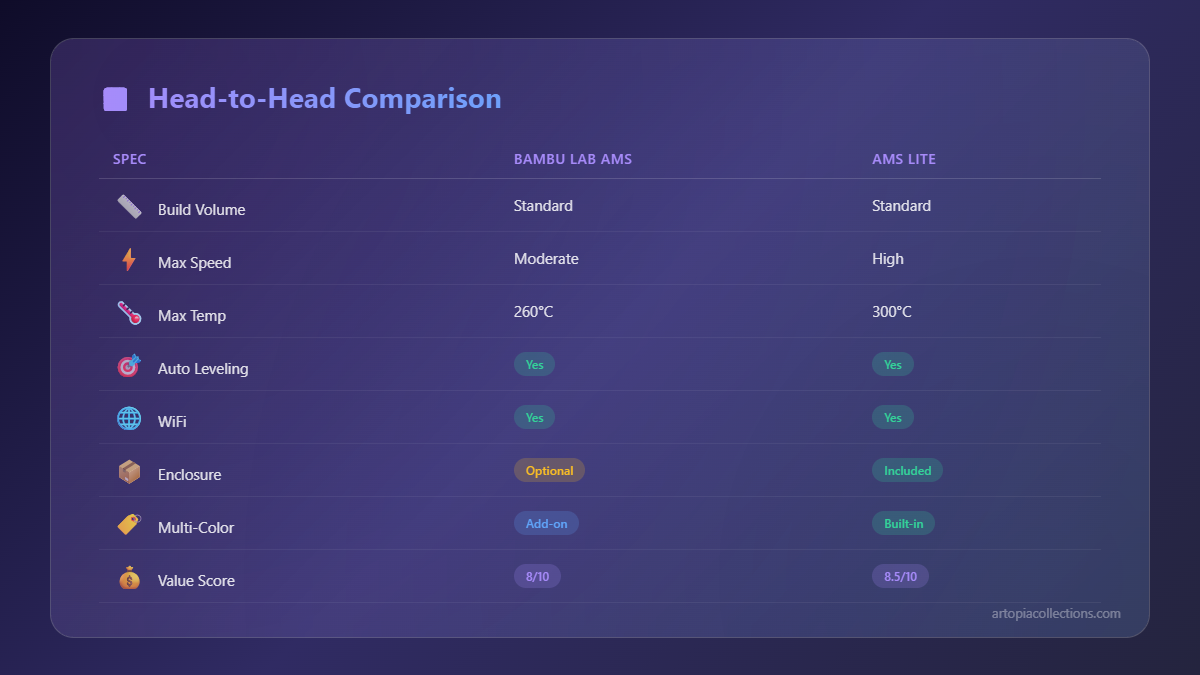
Head-to-Head: Which One Should You Choose? My Two Rupees.
Alright, let's break it down simply. Choosing between the AMS and the AMS Lite really boils down to your specific needs, budget, and the kind of printing you do.1. Compatibility is Key:
- Original AMS: Exclusively for the Bambu Lab X1 Series (X1 Carbon, X1-E) and P1 Series (P1P, P1S).
- AMS Lite: Exclusively for the Bambu Lab A1 Series (A1 Mini, A1).
2. Cost & Budget:
- Original AMS: A premium accessory, adding a significant chunk to your printer's cost (around ₹35,000-₹40,000 per 4-slot unit). It's an investment, period.
- AMS Lite: Super affordable, usually bundled with the A1 series printers, making multi-color extremely accessible.
3. Features & Professional Use:
- Original AMS:
- Closed, humidity-controlled system: Critical for hygroscopic filaments, or in humid environments (hello, monsoon season in India!).
- RFID filament recognition: Convenient auto-profile selection.
- Filament buffers: Ultra-reliable, consistent feeding.
- Expandable to 16 colors: Unmatched versatility for complex projects.
- Supports almost all filaments (except super flexibles like TPU/TPE): Great for diverse material printing.
- AMS Lite:
- Open system: Simpler, wider spool compatibility.
- No active humidity control: Requires external solutions for sensitive filaments.
- Limited to 4 colors, not expandable.
- Generally supports PLA, PETG, ABS, ASA, HIPS, etc. (most common rigid filaments).
4. Filament & Environment:
- If you're in a perpetually humid environment (most coastal cities in India, let's be real!) and print with hygroscopic materials like Nylon, PVA, or even some PETGs, the humidity control of the original AMS is a godsend. It'll save you countless failed prints and wasted filament.
- If you mostly print with PLA and don't battle extreme humidity, or are willing to manage filament dryness with external solutions, the AMS Lite is perfectly adequate. You can always get a good multi-color PLA pack to try it out, something like this one from Amazon: Multi-Color PLA Filament Pack.


